



































26 'Bt21 keyboard' For Sale in Philippines
Save this search

kchingu_vault
18 days ago
Description
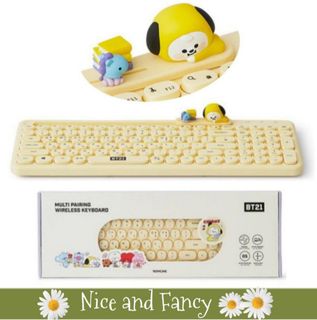
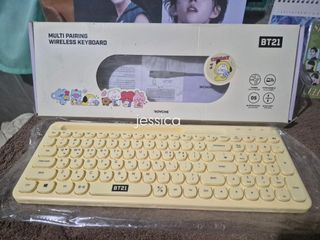
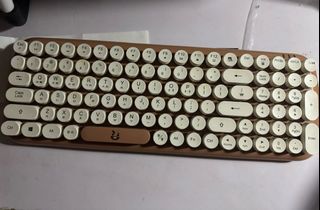
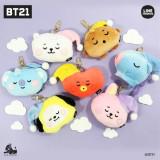
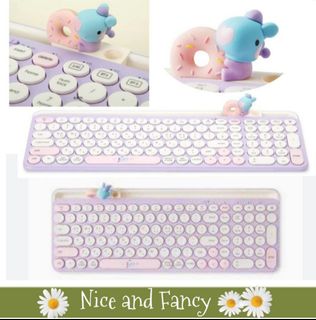
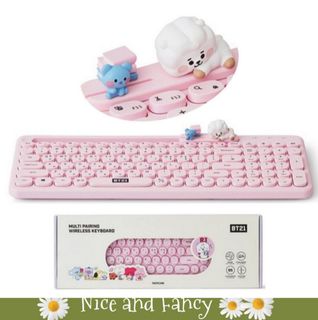
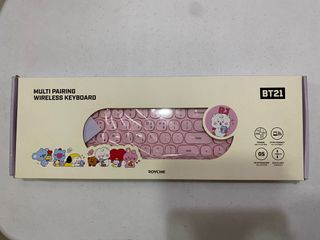
Keyboard: 9.5/10. Smooth, clean, and fully functional. No faded keys, scratches, or hidden defects Inclusions: Complete with the original detachable Chimmy character figurine and the USB nano receiver/dongle, Box: 7/10. Box has some minor dents/tears from storage/unboxing (see photos), but it still protects the keyboard perfect|y,

Description
- Design: Retro typewriter-style with cute Shooky character on the spacebar - Layout: Full-size with dedicated number pad; includes both Korean and English characters - Connectivity: Wireless for a clutter-free workspace - Aesthetic: Brown and white colorway with rounded keys - Best for: Typing enthusiasts and fans of aesthetic desk accessories






Description
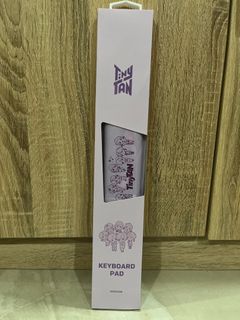
BT21 Baby Wireless Retro Keyboard by Royche RFS: planning on buying a mechanical keyboard, need funds I bought this a year ago through shopee for 2,300 pesos. No issues at all and can be connected via USB connector. Will be kept in original box and I will clean it before shipping it out. for more inquiries, just message me.









shopchelonline
1 year ago

Description
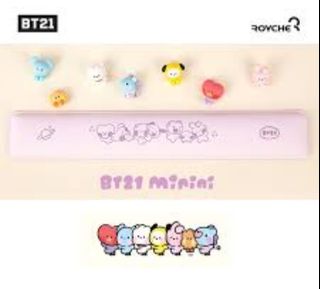
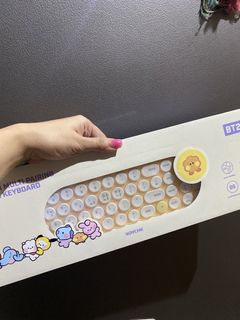
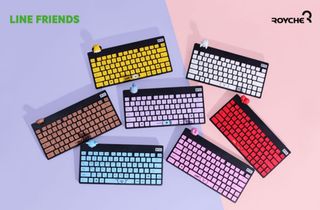
💜LIMITED TIME💜 BT21 Minini Keyboard [Cooky, Chimmy Shooky only] 🛒1,350.00each(all in)+lsf DP: 50% PAYO RB: 15 days after DP excluding Sundays; NETA 💎Pre-order -NO RUSH SHIPPING 💎Korea Pasabuy - NORMAL ETA 💎Colors may vary due to lighting. 💎Availability and price may vary 💎The outer case/box is simply for protecting goods. (Damages such as scratches, discoloration on the case/box or manufacturing defect cannot be compensated.) ❌️NO TO BOGUS BUYERS & JOY RESERVERS 📌Box Updates on FB page 📌See pinned post for



Description
Size: 460*148*29mm Components : - 1 Wireless keyboard - 2 AAA Battery - 1 Manual - 1 Nano receiver - 1 Keyskin (Key cover) - 1 Figure holder Material: ABS How to use - Connect 2.4GHz 1) Open the cover, insert a AAA battery and turn on the power button. 2) Connect the receiver to the PC/USB port. 3) When the receiver light is on, the connection is complete. - Connect Bluetooth 1) Open the cover, insert a AAA battery and turn on the power button. 2) After pressing the mode change button, connect the Blueto