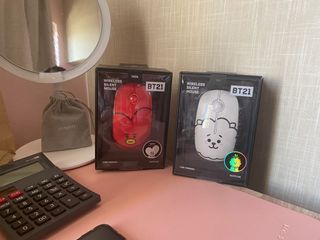






































67 'Bt21' For Sale in Philippines
Save this search

importedbuyph
1 month ago









Description
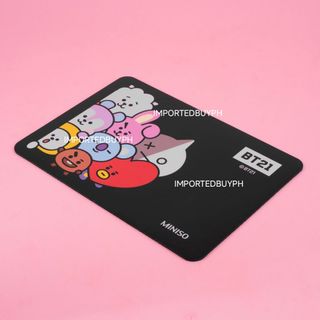
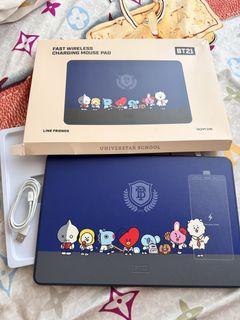
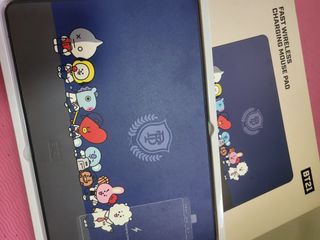
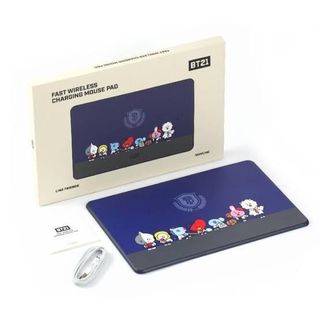
Downsizing my BTS collection. 💜 Looking for new ARMY homes. BT21 Fast Charging Wireless Mousepad Like new, used a few times in the office. But in my new work, we didn’t have our own workstations, so I can’t leave it there kaya selling nalang. The mousepad is smooth, the charger is still working. Also can be used for samsung earpods. Not sure lang sa airpods. Original box, cable and manual included. Fixed price posted.



havenfinds.extension
1 year ago
Description
Make reading a habit ✩ RFS: Moved on from a BTS phase Important Info • Don’t make an offer if you’re not 100% sure or you still haven’t read everything yet. • Payment must be sent before I start processing the order. • Deliveries must be paid by the buyer. No rush shipping! • No weekdays unless I say I’m available. Payment channels - Gcash Delivery methods - J&T - Lalamove



Description
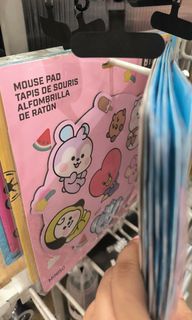
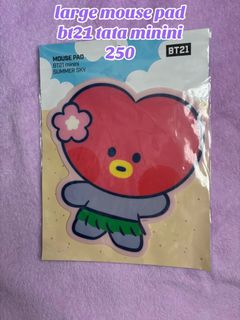
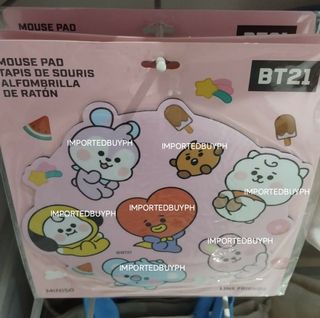
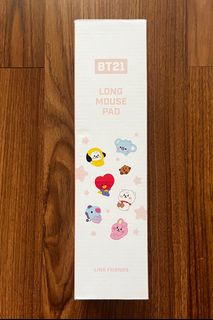
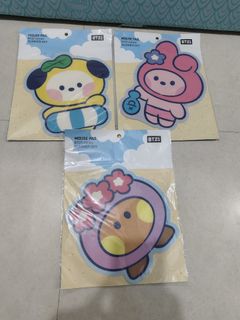
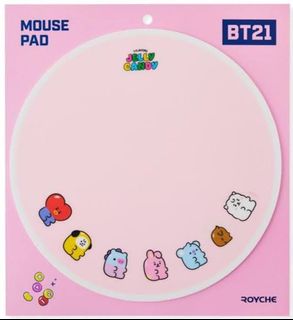
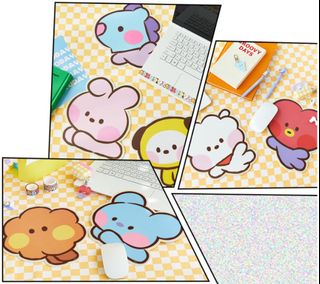
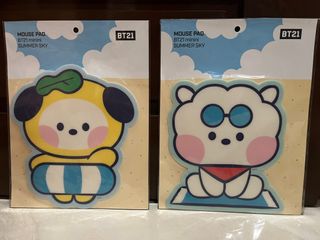
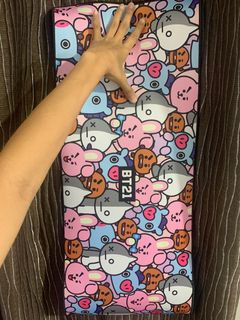
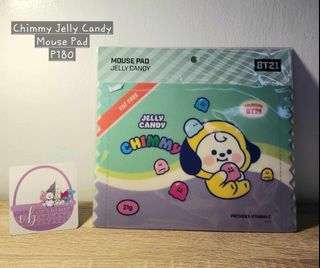
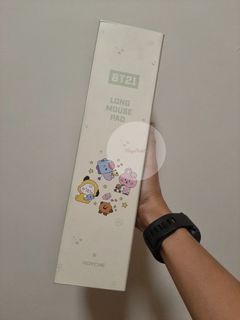
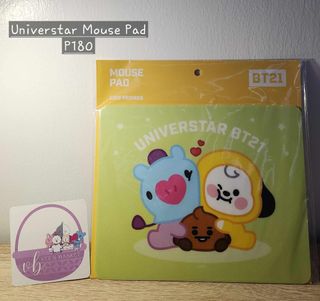
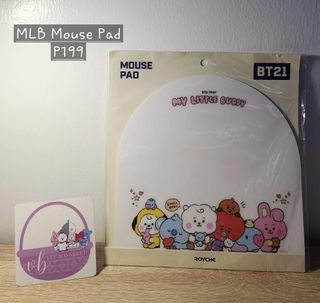
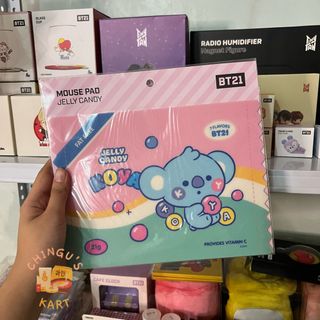
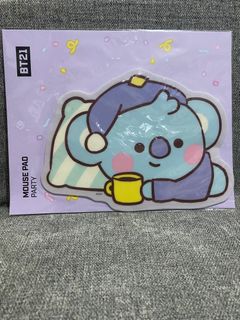
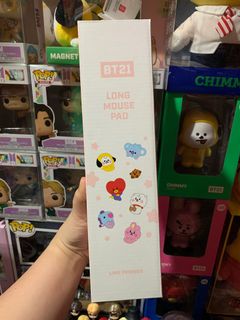
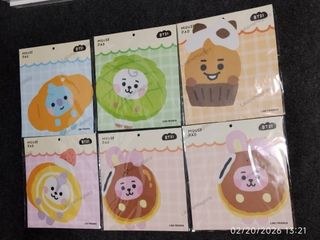
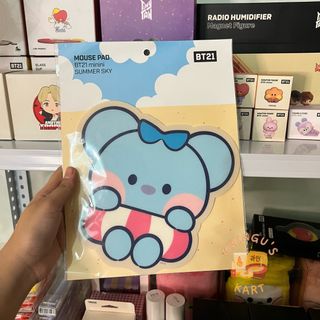
ON HAND & READY TO SHIP ***CLEARANCE SALE*** BT21 MININI MOUSE PAD 💯Official from Line Friends Online KR Non-slip, Good Quality & Low Maintenance! ALL CHARACTERS AVAILABLE BUT IN LIMITED QUANTITIES. ❌Bogus Buyers ❌Joy Reservers ❌Cancellation of orders is strictly prohibited. ❌Non-Refundable MOP: BPI, BDO & GCASH




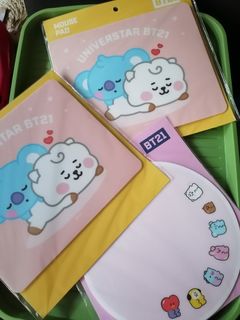

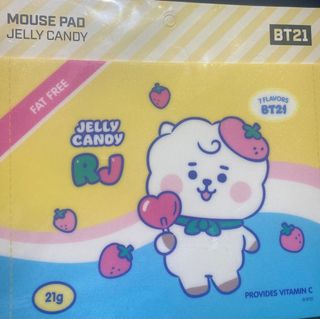

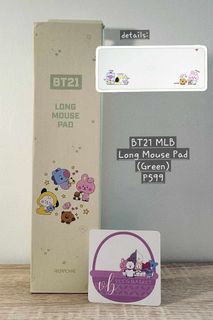

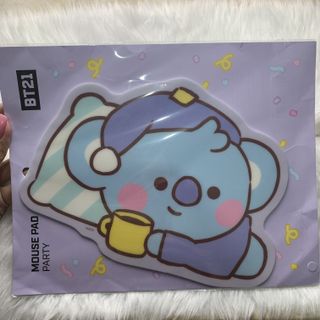

thetidyqueen
2 years ago







Recommended searches
bt21 rj
bt21 tata
bt21 mcdo
bt21 blanket
bt21 sanfu
bt21 cooky
bt21 pillow
bt21 plush
bt21 miniso





Description
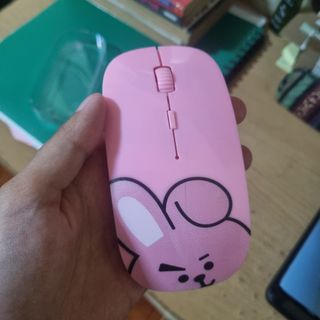
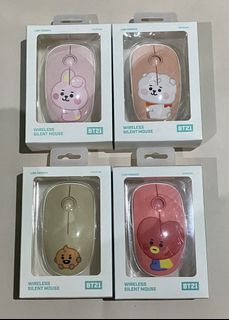
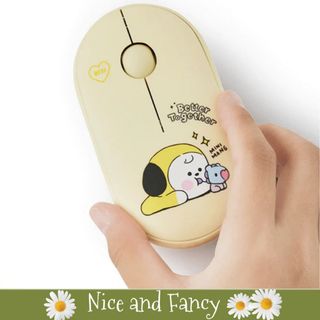
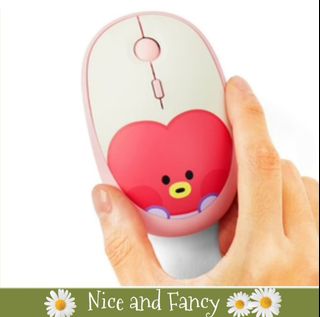
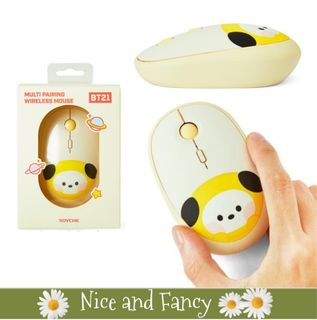
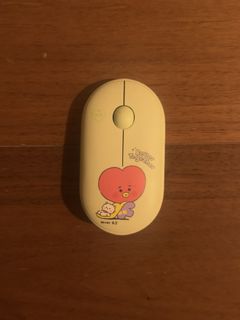
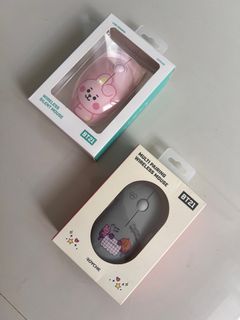
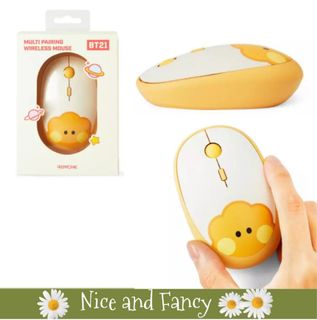
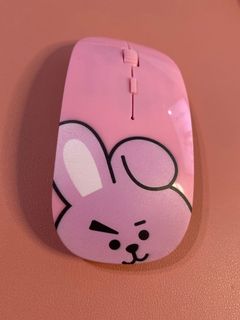
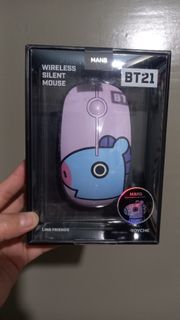
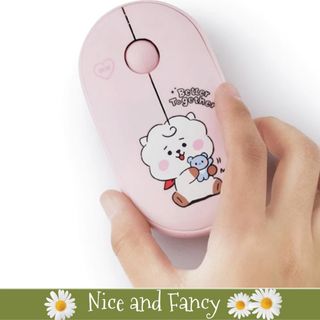
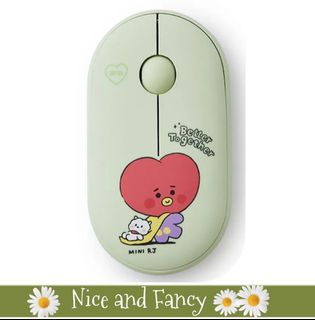
How to use 1. After placing the AA batteries, turn on the switching power. 2. After installing the nano receiver on a PC, Tablet device, press the change button to set it to 2.4 G mode. 3. When connecting the Bluetooth, press the mode switch button to enter pairing mode by pressing and holding the mode switch button in BT1 mode. (Connect BT2 in the same way) 4. Select and connect "BT3.0 MOUSE" OR BT5.0 mouse. Size: 105 * 150 * 45 (mm) Product Materials: ABS
Description
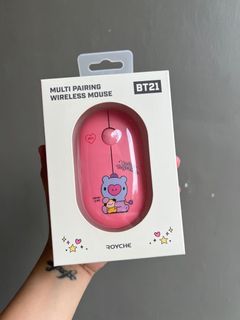
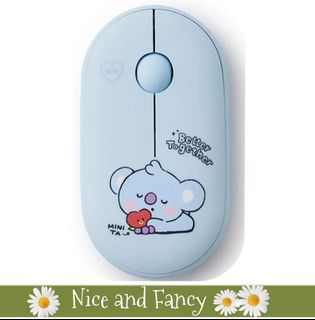
How to use 1. After placing the AA batteries, turn on the switching power. 2. After installing the nano receiver on a PC, Tablet device, press the change button to set it to 2.4 G mode. 3. When connecting the Bluetooth, press the mode switch button to enter pairing mode by pressing and holding the mode switch button in BT1 mode. (Connect BT2 in the same way) 4. Select and connect "BT3.0 MOUSE" OR BT5.0 mouse. Size: 105 * 150 * 45 (mm) Product Materials: ABS